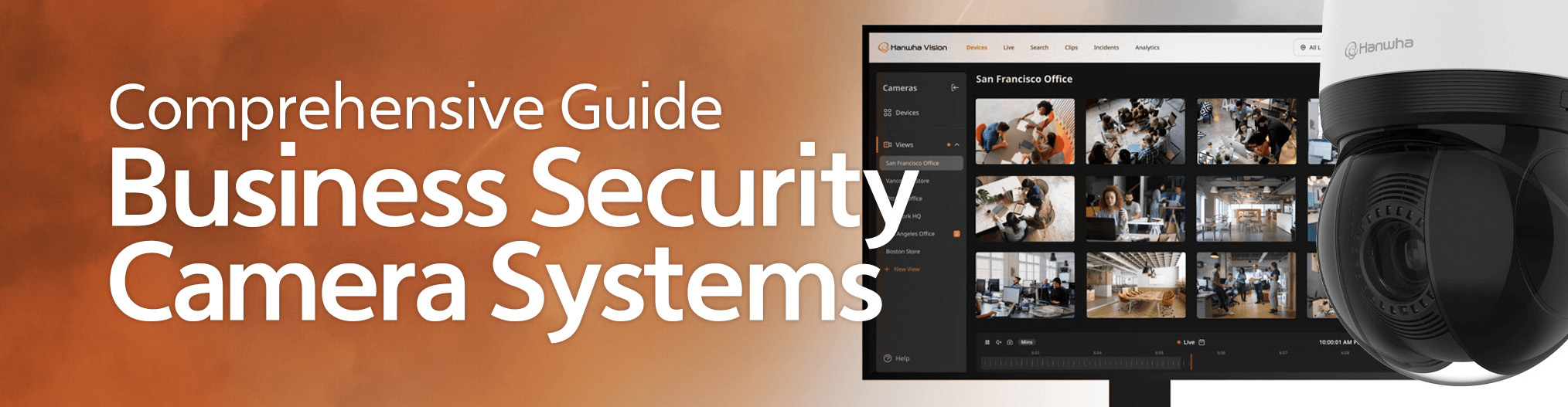
Businesses and organizations encounter a variety of security challenges every day, from ensuring the safety of their employees and customers to preventing theft and vandalism.
Commercial security camera systems provide organizations with the tools to monitor and protect their people and assets effectively while enhancing operational efficiency.
Key takeaways
Business security cameras have come a long way-from early CCTV setups to today’s AI-driven, cloud-connected systems with advanced analytics.
Modern solutions do more than prevent theft; they help businesses improve efficiency, ensure compliance, and protect both people and assets.
Choosing between wired and wireless systems depends on your facility, budget, and security needs, with many businesses opting for a hybrid approach.
From PTZ and fisheye to thermal and AI-enabled cameras, there’s a wide range of options designed to fit different industries and environments.
The right system balances features, scalability, and cost, with future-ready technology like 4K video quality, object detection, and cloud integration.
What are business security camera systems?
Business security camera systems are a combination of cameras, servers, software, and direct-to-cloud solutions that allow organizations to monitor and record video to safeguard their facilities. Unlike residential systems, business security camera systems are designed with scalability in mind to handle large facilities and monitor multiple locations.
Commercial security camera systems offer sophisticated surveillance solutions through high-resolution cameras, advanced analytics, and efficient video management software.
The evolution of business security camera systems
Business security cameras have gone through decades of transformation, moving from simple observation tools to intelligent systems that deliver real-time insights. Each era introduced new technologies that shaped how organizations monitor, protect, and manage their facilities. Key innovations include:
Early CCTV (1940s-1960s): The first closed-circuit television systems provided basic live monitoring without recording. These analog setups required cameras to be close to power sources and delivered limited image quality, making them costly and difficult to scale.
Recording capability (1970s-1980s): The introduction of VCRs and VHS tapes brought playback into surveillance. Although storage capacity was limited, businesses gained the ability to review incidents after they occurred, marking a major step forward in accountability.
Digital shift (1990s-2000s): Digital video recorders (DVRs) replaced tape-based systems, enabling longer retention, higher image quality, and faster access to footage. The rise of IP cameras also allowed organizations to connect devices across networks, laying the foundation for remote monitoring and more advanced digital features.
Modern systems (2010s-present): Today’s solutions emphasize high-definition video, cloud storage, and AI-powered capabilities. Features such as motion detection, facial recognition, and real-time analytics allow businesses to identify threats faster, manage incidents proactively, and integrate video with other security systems.
Why business security cameras are essential
Security cameras have become a core element of modern business operations. They are no longer just optional tools for large facilities, but an essential layer of protection for companies of all sizes. Cameras act as a visible deterrent to theft, vandalism, and other criminal behavior, which lowers the likelihood of incidents before they happen.
Beyond prevention, surveillance provides organizations with valuable evidence when disputes or incidents occur. Clear footage can help law enforcement investigations, support insurance claims, and protect businesses from liability. This transparency strengthens trust with employees, customers, and partners who expect safe and secure environments.
Business security cameras also play an important role in improving efficiency. By monitoring workflows, facility managers can identify bottlenecks, confirm compliance with safety procedures, and ensure that high-risk areas are properly supervised. Many businesses also use video analytics to gather insights that inform staffing decisions, floor layouts, and even customer service strategies.
In short, cameras are not just about safety, they are about protecting people, assets, and reputation while providing operational intelligence that supports long-term growth.
What are the components of a commercial security camera system?
Business security camera
Business security cameras are specialized devices with high-resolution sensors that are offered in a variety of form factors and are designed to withstand harsh environments and provide reliable performance in various settings.
We were simply wowed by how well the Hanwha cameras could accurately capture data in the dark, or in any lighting condition.
Jeff McDonald Operations Manager VyStar Security
Network video recorders (NVRs)
Network video recorders (NVRs) record and store footage from business security cameras. NVRs are simple to set up and maintain and allow for remote viewing, often through a web or mobile application.
Video management software
Video management software (VMS) is a management solution for business security cameras that is either located on-premises as a server appliance or exists as a cloud-based solution. VMS solutions are scalable and allow you to add more cameras to your system as needed. The VMS encompasses an ecosystem including web and mobile remote monitoring applications.
Types of commercial security cameras
IP cameras
Internet Protocol (IP) cameras receive and send video footage via an IP network. IP cameras are easy to install with a network connection and typically offer high-definition video, remote access capabilities, and seamless integration with video management systems, making them ideal for businesses looking for scalable and flexible surveillance solutions.
Analog cameras
Traditional analog cameras transmit video data over coaxial cables. They must be directly connected to a DVR or monitoring station. Analog cameras often lack many of the features present in modern IP cameras. However, several IP and cloud-based devices and services allow the use of them through various means, allowing these cameras to stay operational – and helping business owners avoid the cost of a complete system replacement.
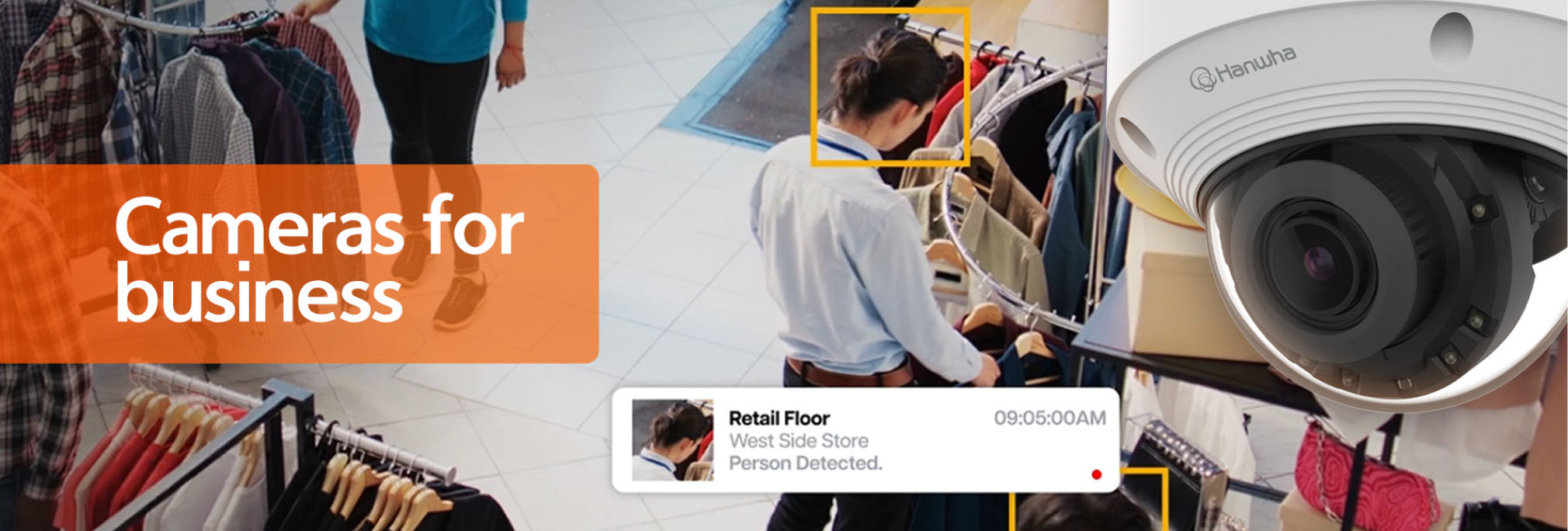
Types of business security cameras
AI Security Cameras
AI cameras utilize onboard video and audio technology to reduce false alarms during active monitoring, increase efficiency during forensic review, and minimize storage and bandwidth requirements – all while deriving actionable business intelligence from surveillance footage.

PTZ Cameras
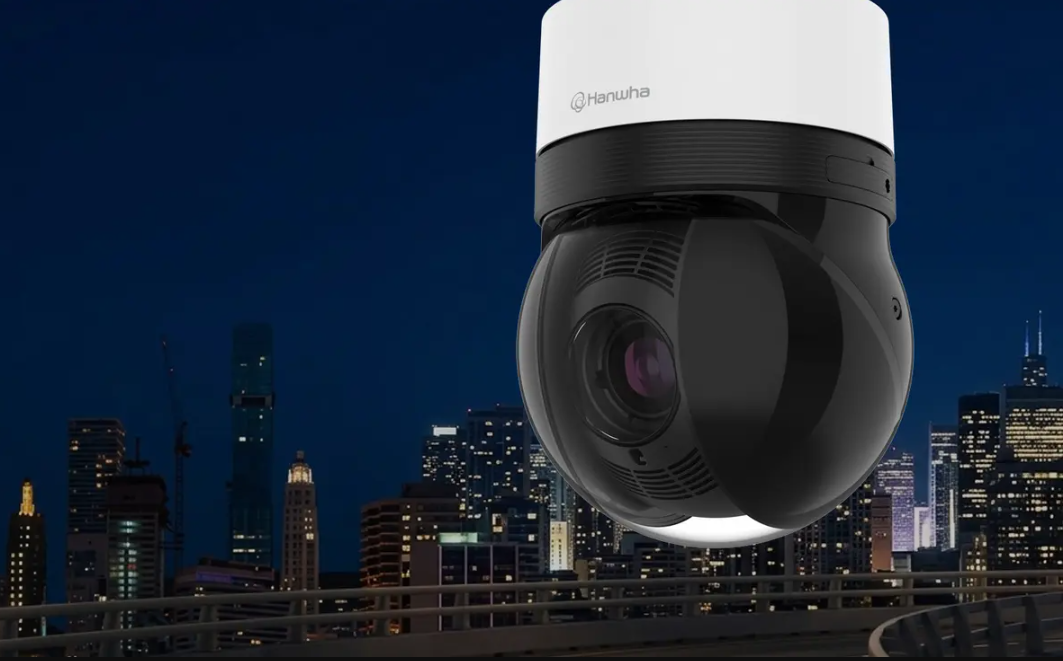
Pan, tilt, zoom (PTZ) cameras allow users to remotely change the field of view and zoom in on objects of interest. The best PTZ cameras can rotate 360 degrees on their X-axis and tilt vertically over 100 degrees to provide a superior field of view. Some PTZ cameras today use AI technology to track moving surveillance targets, automatically keeping them in frame for as long as possible.
Multi-sensor Cameras
Multi-sensor cameras combine multiple lenses, sensors, and configuration options in a single device while using only one network cable and IP address. Having multiple sensors and lenses in one camera allows one device to cover the same views as several conventional cameras, which makes installation easier and lowers the total cost of ownership and installation.
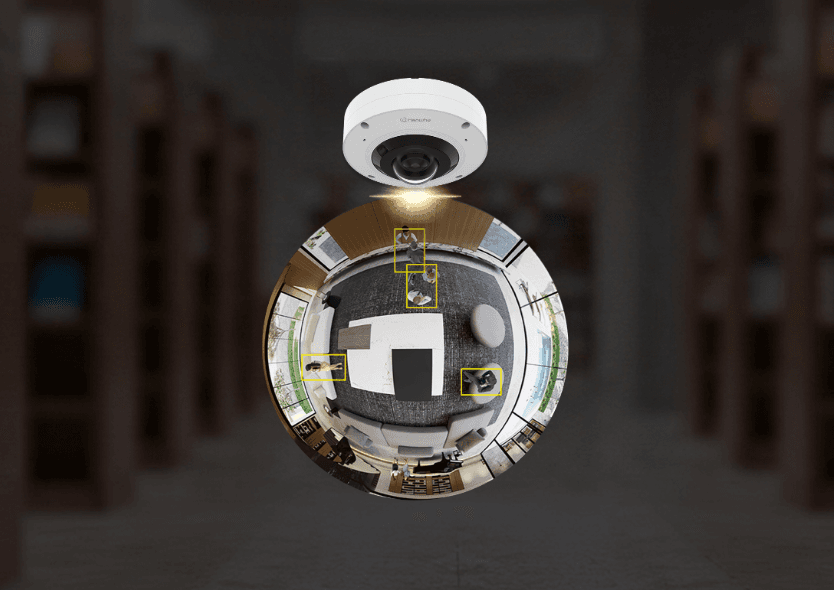
Fisheye cameras
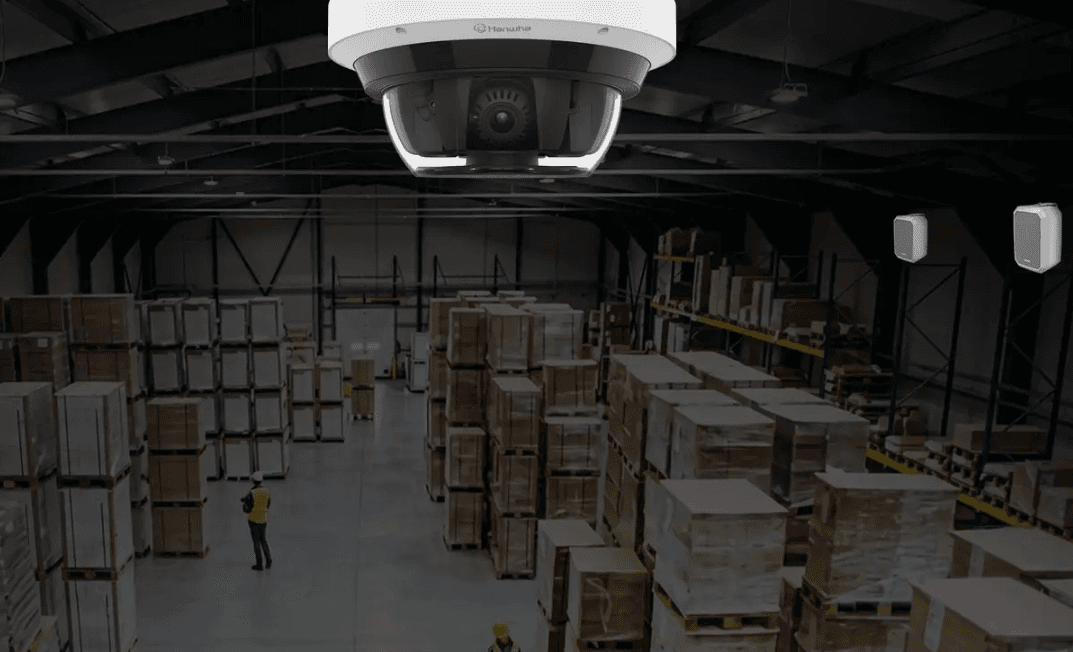
Fisheye cameras offer a 360° field of view, providing complete surveillance coverage with no blind spots, making them ideal for single-camera installations. They are generally smaller than PTZ, multi-sensor, and other cameras, helping them remain inconspicuous. Some fisheye camera models also include native dewarping to eliminate the distorted fisheye look.
License Plate Reader (LPR)
License plate reader (LPR) cameras use AI technology to identify vehicles on the road and accurately capture vehicle information, such as make, model and color. They can do this in various traffic conditions, ranging from parking lots, where vehicles generally travel slowly, to high-speed and congested highway scenarios. LPR cameras are commonly used by transit authorities, police departments, apartment and home complexes, and more.
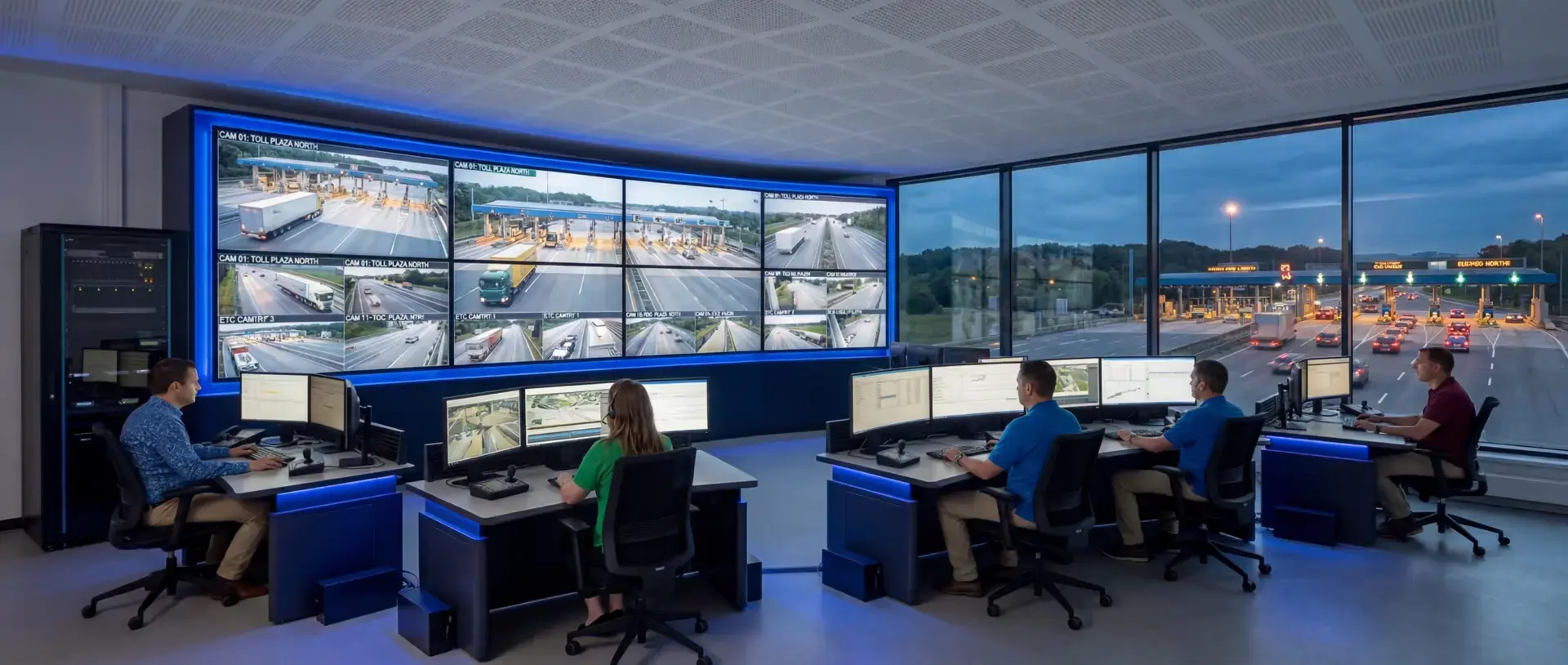

Thermal Cameras
Thermal cameras can detect objects in low light, fog, and complete darkness at great distances. Their technology allows them to distinguish subjects from complicated backgrounds and monitor equipment and locations for temperature fluctuations. Thermal security cameras are, therefore, ideal for 24-hour surveillance of areas with critical infrastructure, such as energy production, manufacturing and R&D facilities.
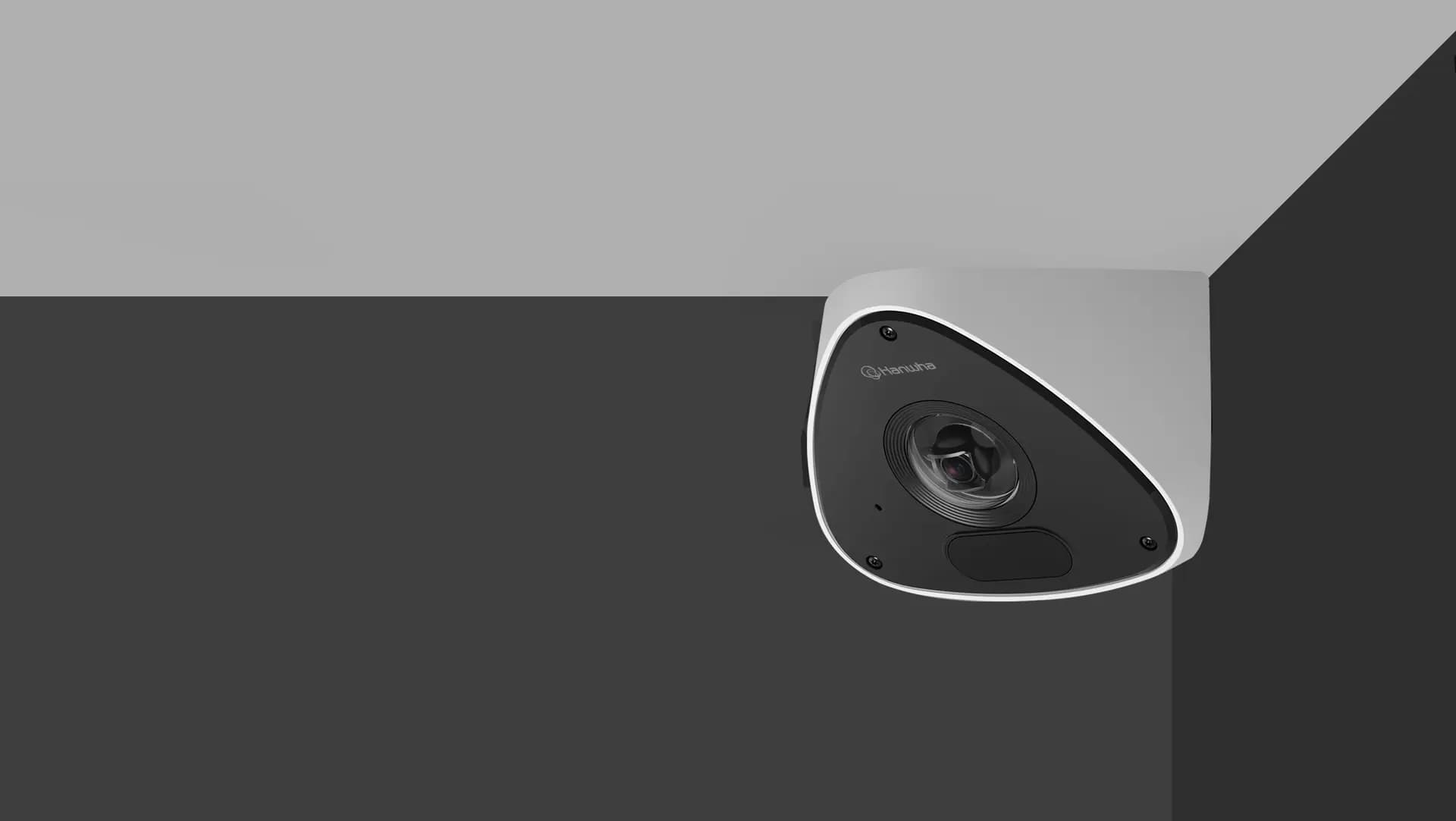
Corner Mount Cameras
As the name implies, covert cameras are compact and discrete, making them harder for vandals or criminals to notice and tamper with than larger cameras. Rather than serving as a visual deterrent, covert cameras are best suited for evidence capturing.
Key features to look for in a commercial security camera system
Image quality
High-resolution cameras are essential for identifying faces, license plates, and other vital details at a distance. Business security cameras should offer at least 1080p resolution for crisp imagery. However, 4K is fast becoming the surveillance standard, and 8K has proven to be especially useful in some applications, like stadiums and airfields.
IR and low-light performance
Infrared (IR) emitters help cameras capture clear footage in low-light or completely dark environments. Cameras equipped with IR emitters help reduce light pollution by not requiring an external light source to capture quality imagery.
Object detection and custom notifications
Object detection uses artificial intelligence to recognize and locate specific objects, such as people and vehicles, in video footage. This helps to reduce false alarms caused by environmental movement like trees blowing in the wind, improves efficiency in forensic search and minimizes storage requirements. Custom alerts designed to trigger when specific objects are detected allow rapid and accurate responses to potential threats and enhance operational security. Object detection also allows for businesses to access intelligence like people-counting and heat-mapping to enhance operational efficiency.
Remote access and monitoring
Modern business camera systems often offer remote access solutions, allowing security teams and property owners to monitor people and property from anywhere using a smartphone, tablet or computer. With a VMS platform, users can manage surveillance cameras and view footage remotely from a central location via onsite server appliances. In cloud-based surveillance applications, cameras and end-user terminals link to offsite servers maintained by cloud solution providers, making footage and data accessible from anywhere without the burden and cost of server maintenance.
Integration with other business systems
Top commercial camera systems can integrate with other security measures and business systems to form a more comprehensive security solution.
Wired vs. wireless business security cameras
When planning a security strategy, one of the first decisions businesses face is whether to install wired or wireless camera systems. Each option offers its own advantages, and the right choice often depends on facility size, budget, and technical requirements.
Benefits of wired security camera systems
Reliable connection: Wired cameras maintain a stable feed without depending on Wi-Fi or cellular networks. This makes them ideal for mission-critical environments where downtime cannot be tolerated.
Consistent quality: Because the video signal travels through cables, wired systems often deliver steady high-resolution footage without interference from other wireless devices.
Scalability for large facilities: Businesses with complex layouts or multiple floors often prefer wired systems, as they can support more cameras within a single network.
Security advantages: Physical connections are less susceptible to hacking attempts that target wireless signals, giving organizations greater control over data protection.
Benefits of wireless/IP security camera systems
Flexible installation: Wireless systems reduce the need for extensive cabling, making them faster to deploy and easier to expand as a business grows.
Remote monitoring: IP cameras transmit data over the internet, allowing authorized users to access live or recorded footage from any connected device, including mobile apps.
Advanced features: Many wireless systems integrate directly with cloud services, offering built-in analytics, AI detection, and automatic updates without requiring on-site maintenance.
Cost savings in certain cases: For smaller businesses or temporary setups, avoiding the expense of wiring and drilling can make wireless systems more cost-effective.
Potential drawbacks to consider
Wired systems: Installation can be labor-intensive and costly, especially in older buildings or large properties. Any changes to layout or coverage may require significant rewiring.
Wireless/IP systems: Performance depends heavily on internet bandwidth and network reliability. In areas with weak connections, video feeds may lag or drop out. Wireless signals can also be more vulnerable to interference or cyber threats if not properly secured.
Hybrid options: Some organizations choose a mix of wired and wireless cameras. This approach balances the stability of wired systems with the flexibility of wireless technology, ensuring coverage that adapts to different environments.
On-premise vs. cloud-based surveillance systems
Businesses today can choose between traditional on-premise video management systems and modern cloud-hosted platforms. Both models provide reliable security, but they differ in cost, control, and scalability. Understanding these differences helps organizations select the right option for their long-term needs.
Benefits of on-premise deployments
Direct control over data: With servers located on-site, organizations maintain full ownership of video footage, which is valuable for companies with strict compliance or privacy requirements.
No reliance on internet connectivity: On-premise systems can continue recording even if the internet goes down, ensuring uninterrupted surveillance for facilities with unreliable networks.
Customizable performance: Businesses can scale hardware resources, choose storage capacity, and configure integrations with other systems based on their specific requirements.
Enhanced security in sensitive industries: Some organizations prefer to keep footage within their own infrastructure to reduce exposure to external networks and potential cyber risks.
Benefits of cloud solutions
Remote access from anywhere: Cloud-based platforms allow security teams to view live or recorded video on any connected device, making them ideal for multi-site businesses or organizations with mobile workforces.
Scalability without heavy infrastructure: Expanding coverage is simpler with cloud services, since new cameras can be added without major hardware investments or physical server upgrades.
Automatic updates and maintenance: Cloud providers manage software patches, security updates, and server performance, reducing the burden on in-house IT teams.
Cost efficiency over time: While subscription fees are ongoing, organizations save on the upfront costs of purchasing and maintaining servers, cooling equipment, and dedicated storage.
Business security cameras across industries
Different industries face unique challenges, and the right security camera solution can address risks while supporting operational goals. By tailoring surveillance systems to the environment, businesses can improve safety, strengthen compliance, and gain insights that drive efficiency.
Retail and office security (theft prevention & customer safety)
In retail and office environments, security cameras play an important role in both loss prevention and customer safety. Their visible presence discourages shoplifting and internal theft, while recorded video provides reliable evidence if an incident occurs. Cameras placed at entrances, lobbies, and parking areas also enhance visibility in high-traffic zones, helping visitors and employees feel safer. Many businesses use video systems for more than security by analyzing customer flow to improve staffing decisions and optimize store layouts.
Manufacturing and warehouses (productivity & process monitoring)
For manufacturing plants and warehouses, surveillance systems are as much about efficiency as they are about safety. Cameras allow supervisors to monitor workflows, confirm that equipment is operating correctly, and identify potential bottlenecks. They also provide assurance that employees are following safety procedures, such as using protective equipment and handling machinery properly. In warehouses, security cameras support loss prevention by monitoring loading docks, storage aisles, and other high-risk areas where theft or unauthorized access can occur.
Healthcare and education (safety & compliance)
Hospitals, clinics, schools, and universities require surveillance that prioritizes safety and compliance. In healthcare settings, cameras positioned in hallways, waiting rooms, and restricted areas improve situational awareness and reduce the risk of unauthorized access. Schools use cameras to discourage disruptive behavior and to reassure parents, staff, and students that safety is a top priority. Both sectors also benefit from reliable video records that help demonstrate compliance with regulations, while live monitoring supports faster responses to medical emergencies or security threats.
Critical infrastructure (utilities, energy, & ports)
Critical infrastructure demands specialized surveillance to safeguard essential operations. Utilities and energy providers use cameras to monitor equipment in hazardous areas, quickly detecting malfunctions that could disrupt service. Ports and transportation hubs rely on video to protect large perimeters and sensitive access points where the potential for sabotage or intrusion is high. In these environments, rapid detection and response are essential, and advanced video systems ensure that incidents are addressed before they compromise operational continuity.
How to choose the right security camera system for your business
Assess your security needs
Begin by evaluating your specific security requirements. Consider factors such as the size and layout of your facility, or facilities, and the types of threats you are most concerned about. Conducting a thorough security audit can help identify vulnerabilities and determine the ideal devices and best camera placements for your commercial security camera system.
With Hanwha stadium security cameras, we are able to capture high-quality images that show us, for example, how a guest fell. Whether there was an obstruction, water on the floor, or an indentation or whether the guest simply tripped.
Consider scalability and future-proofing
Select a system that can grow with your business. Opt for cameras and equipment that are easy to upgrade and integrate with new technologies to ensure that your commercial security camera system remains effective and relevant as your business expands. Choosing security cameras with higher-resolution sensors, AI capabilities, and cloud connectivity positions security teams well for the future.
Evaluate your budget
While investing in quality equipment is essential, many options are available across various budget ranges. Prioritize features most important to your business, such as high resolution, AI analytics, or remote access. And don’t just look at the cost of the cameras themselves. Instead, consider the total cost of ownership (TCO) for your entire system, taking camera cost, longevity, maintenance, licensing, storage fees and more to get a more accurate picture of what a system will cost over its lifetime.
Hanwha Vision business security cameras
Hanwha Vision is a leading provider of innovative security camera systems tailored for business, government, healthcare, and education applications. With cutting-edge devices and state-of-the-art technology, Hanwha Vision offers a range of surveillance solutions designed to meet the unique needs of organizations across a wide array of industries.
If you’re considering upgrading your security system or need expert advice, contact Hanwha Vision America today for a consultation. Our team is here to help craft the right security solutions tailored to your unique needs.
Previous
Next